Agent discount of up to 10%
Get eSIMs on agent terms and offer them to your customers. We agree on your exact discount and settlement arrangements when you join.
eSIM.bar agent programme
Get an agent discount, sell eSIMs to your customers and build your own network. Bring customers through your link or widget: both new purchases and related top-ups of previously sold eSIMs are tracked.
Both individuals and legal entities can become agents.
Already an agent? Sign in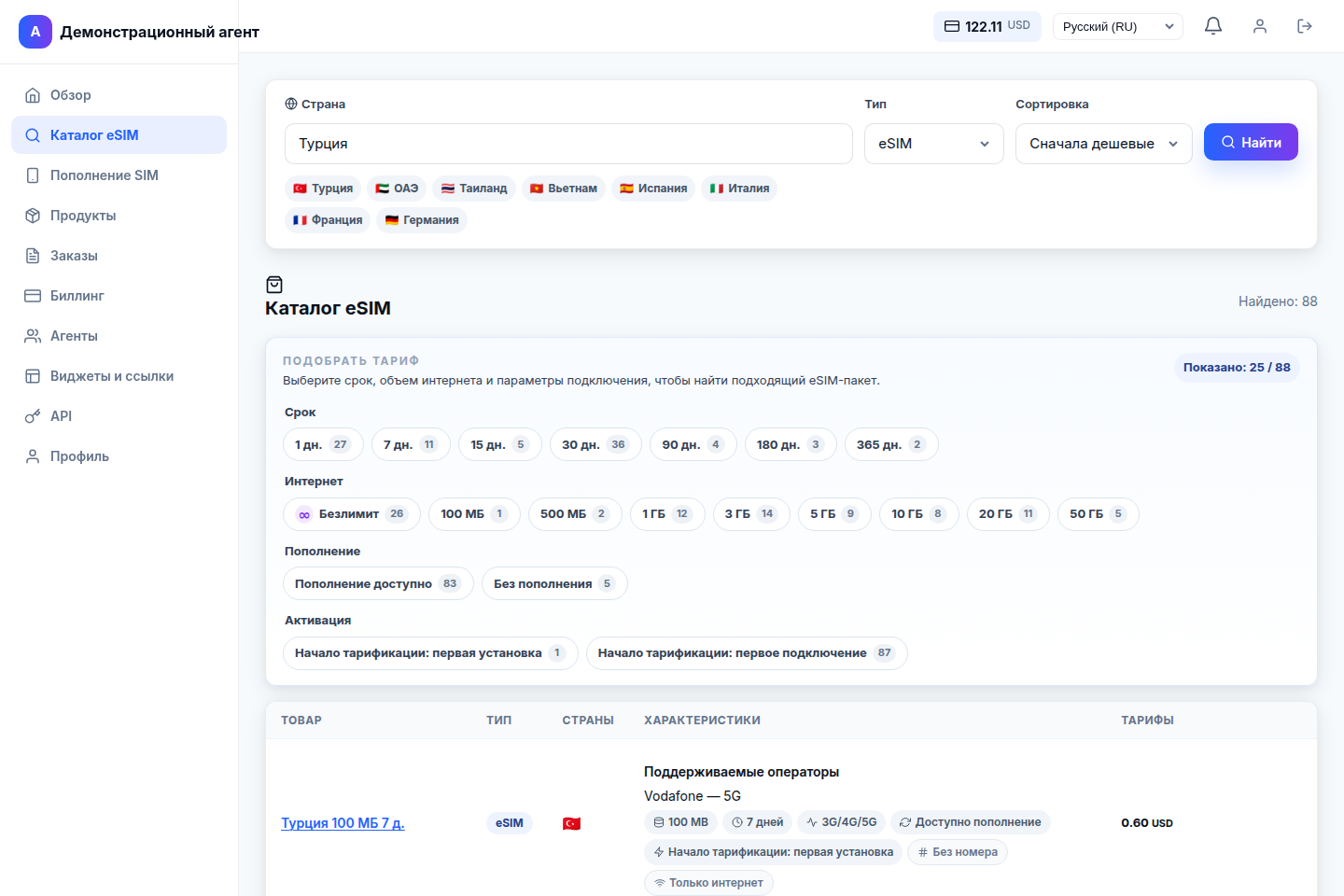
From your first sale to your own network
Get eSIMs on agent terms and offer them to your customers. We agree on your exact discount and settlement arrangements when you join.
Customers buy independently through your link or widget. Purchases and related eSIM top-ups are attributed to you; earnings depend on your partnership terms.
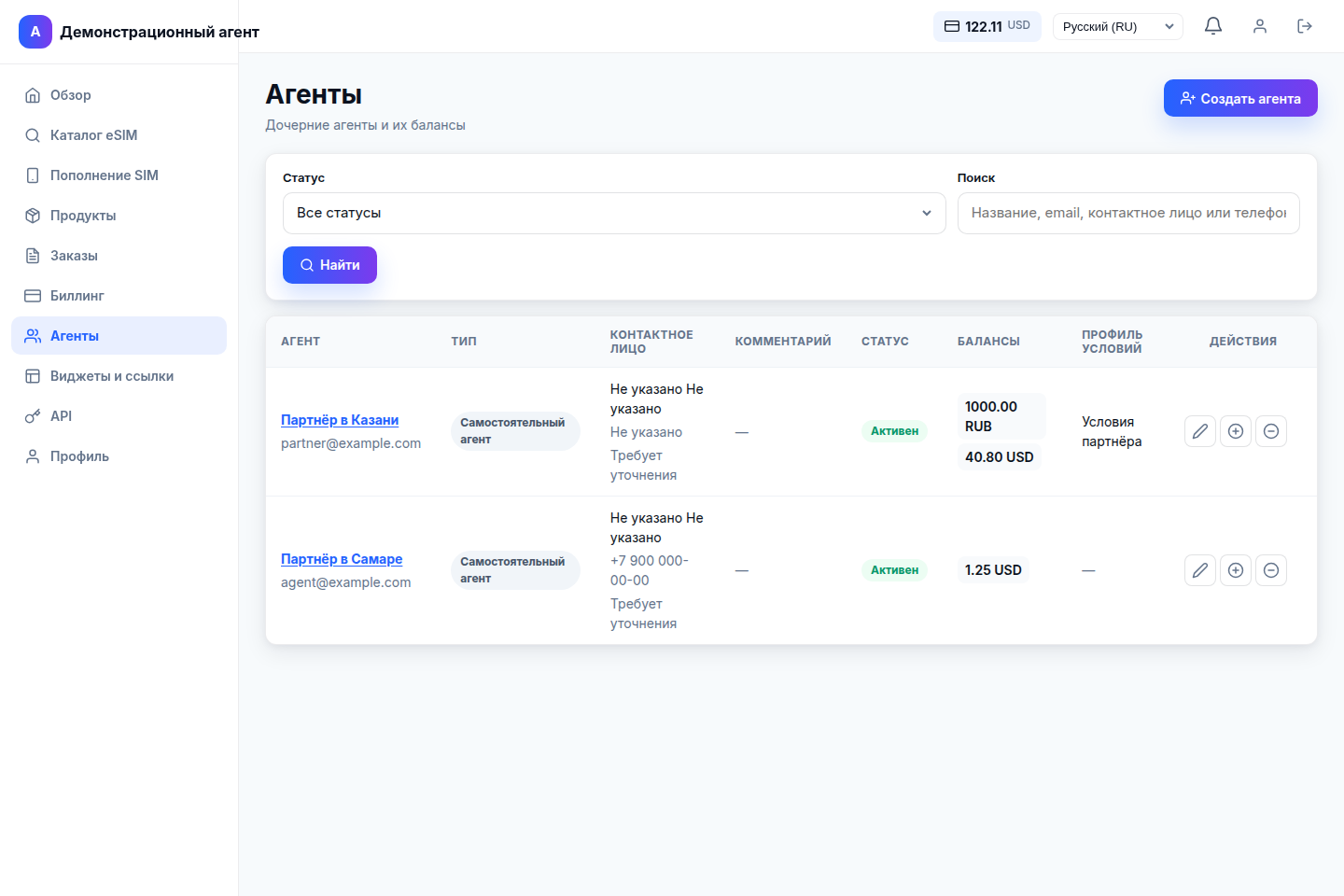
Add subagents, set their terms and manage partner balances from your dashboard.
You do not need to place every order manually. Share your link or add a widget: customers choose an eSIM and pay on the website. After they follow your link, your channel is remembered in their browser for 20 days.
Get your agent link from the dashboard and send it to customers, share it through your channels or add a widget to your website.
The customer opens the catalogue, chooses an eSIM and pays for the order. The order is linked to your agent channel.
The first purchase, new purchases within the attribution period and related top-ups of the sold eSIM are tracked. Your earnings are calculated under your agreed terms.
Anna opens your link on Monday and buys an eSIM for her trip three days later. A week later, she returns to the website in the same browser and buys another eSIM. Both purchases are attributed to you if the attribution remains in place and Anna has not followed another agent’s link.
Anna buys an eSIM through your channel and tops up that same eSIM in her customer account a month later. This is a related sale: the system identifies the original eSIM and its agent. This link remains after the browser attribution period ends; top-up earnings depend on your partnership terms.
Your agent network
Add subagents and manage your network from the dashboard. Each partner has their own access, balance and assigned terms.
A simpler way to sell
The dashboard includes an eSIM catalogue with country, validity and data filters. Supported eSIMs can be topped up; mobile top-ups are also available for physical SIMs.
Payments and settlements
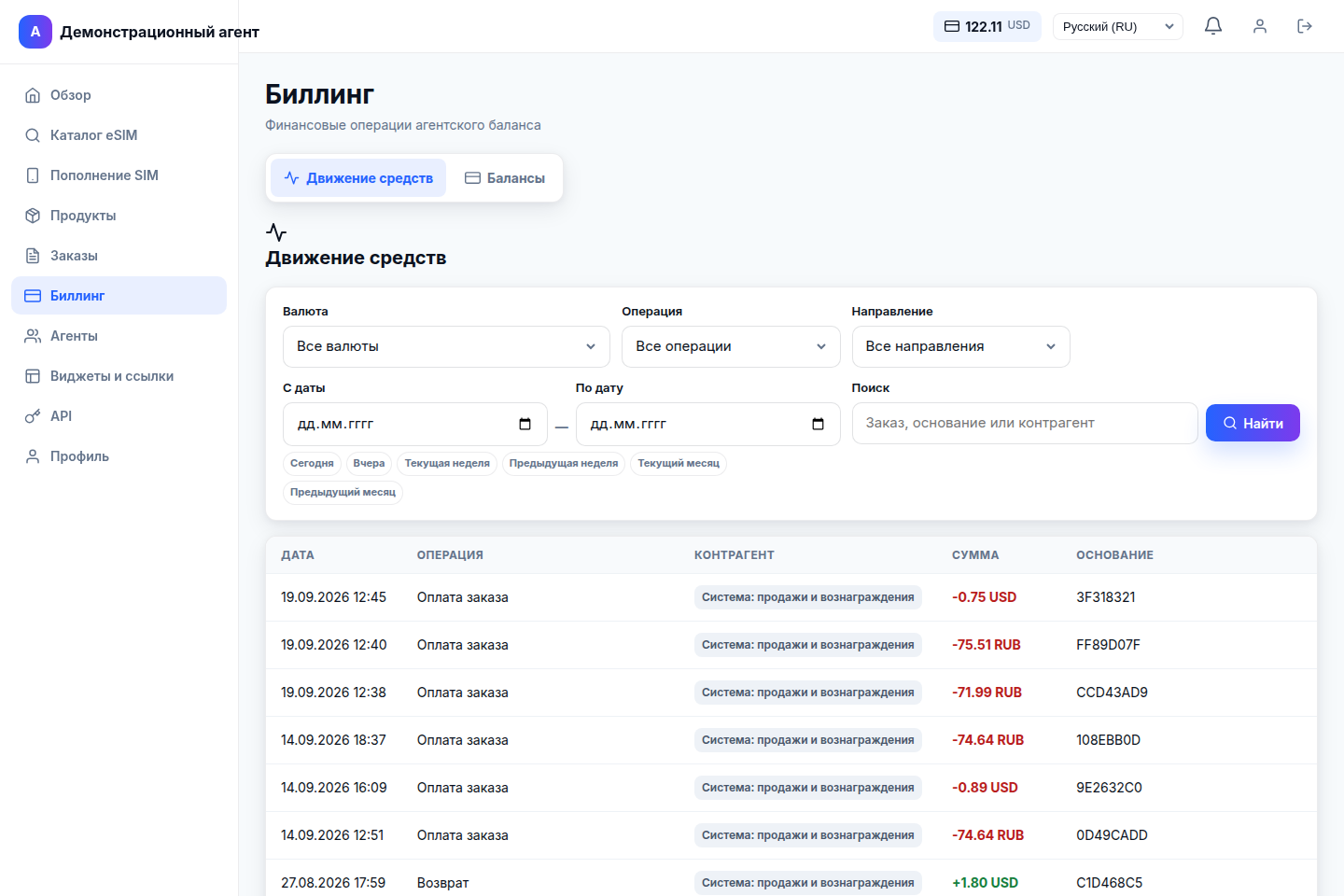
Accept payments using the platform’s payment tools without setting up your own acquiring service. For supported orders, you can send the customer a payment link. You can also pay from your agent balance and view transaction history in your dashboard.
Your digital channels
Share your agent link through your channels or add a widget to your website. Customers choose and pay for their eSIM independently, and the system links the purchase to your channel. An API is available for integration into your own service.
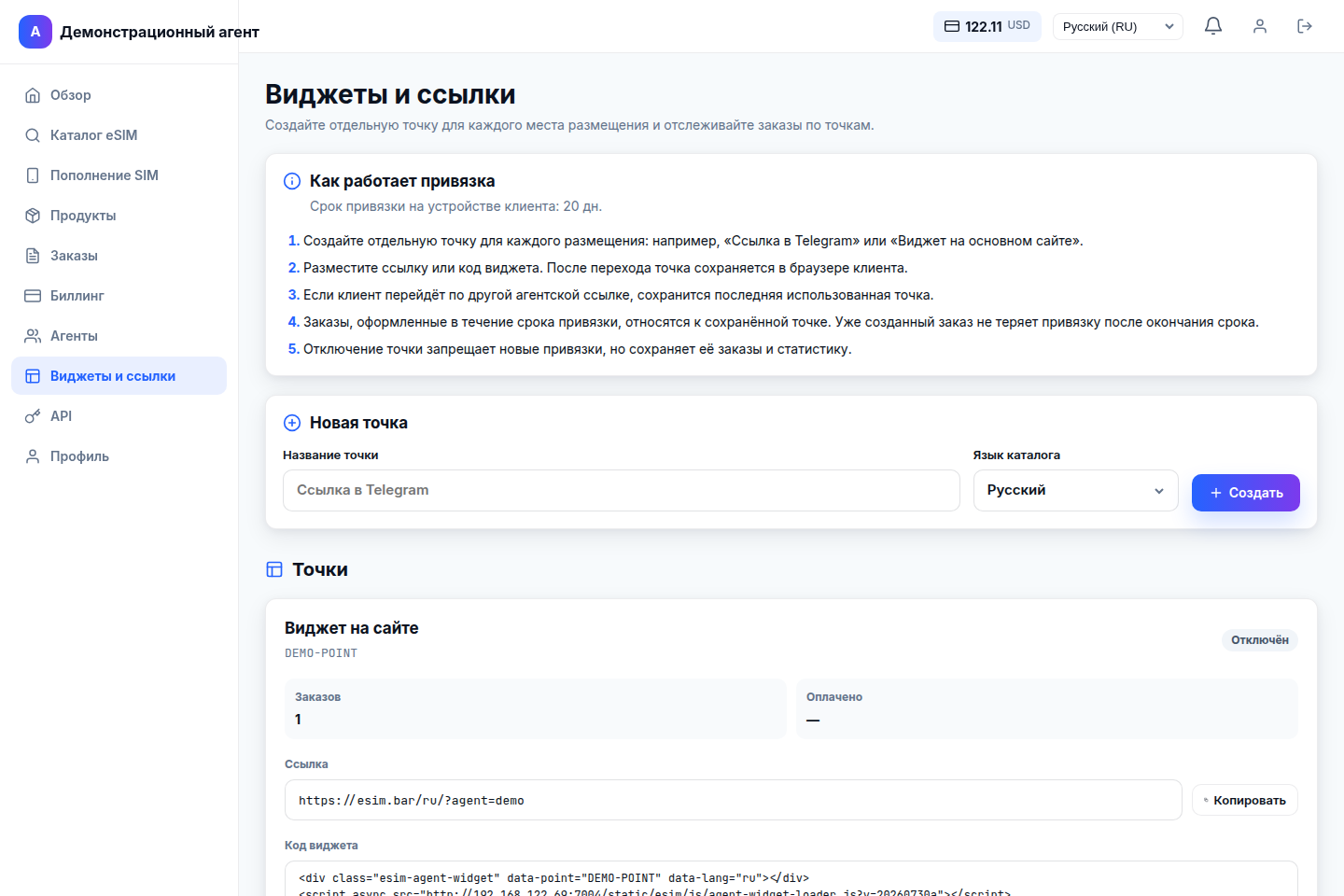
Screenshots show the working interface with demonstration data. Plans, balances and available payment methods depend on your terms and the individual order. Click a screenshot to enlarge it.
Transparent terms
We agree on the exact discount, settlement arrangements and earnings from referral and related sales before you join. For your own network, you set separate terms and settle directly with your immediate subagents.
Let's get acquainted
Leave your contact details and region, and briefly describe how you plan to work.
We review the region and discuss the partnership format and commercial terms.
Once terms are agreed, we register you as an agent and send an invitation to your dashboard.
Use the dashboard, connect your sales channels and develop your partner network.
Before applying
Both individuals and legal entities can become agents. Leave your contact details and operating region: we will review your application and agree on partnership terms.
Yes, if the top-up is for an eSIM previously sold through your channel. It is linked to the original eSIM and its agent, rather than relying only on browser attribution. The purchase of a different eSIM follows the separate attribution rules described above.
Yes. You can create subagents, assign terms profiles and manage their balances in the dashboard. Independent agents require administrative approval; we agree on the onboarding process when you join.
You do not need your own website or a developer to use the agent dashboard. An agent link works for online sales. A widget can be added to your website, while the API supports a custom integration.
You do not need your own payment acquiring service: customers can pay using the platform’s payment tools. Customer payment links are available for supported orders, and agents can also pay from their agent balance. Available methods depend on the product, currency and settings.
Agents receive a discount of up to 10%. We agree on your exact discount, settlement arrangements and earnings from referral and related sales when you join. You set separate terms for your subagents.
We need your territory to review the application and check for potential overlap with existing partners. Final terms for operating in the region are agreed separately. Submitting an application does not automatically reserve a territory.
First, we review your application, contact you and agree on terms. A team member then registers you as an agent and sends an invitation to the dashboard.
Your next step
Tell us where and how you would like to work. We will review your application and contact you to discuss the next step.
Become an agent